 Photo Print
Photo Print · Printing notebook
About Photo Print: Size & Layout
By Mohamed Elatabany · Updated 3 October 2026
Photo Print: Size & Layout is an independent iPhone and iPad app made by Mohamed Elatabany. It helps you give photos an exact physical size and arrange them on a sheet before printing.
Photo Print at a glance
| Official name | Photo Print: Size & Layout |
|---|---|
| Developer | Mohamed Elatabany |
| Devices | iPhone and iPad, iOS / iPadOS 17 or later |
| Output | AirPrint and PDF; A4, US Letter and 4 × 6 paper |
| Photo sizing | Presets and custom dimensions in inches, centimetres and millimetres |
| Payment | Free download; first completed output and three layouts included. Optional one-time Pro purchase. Local price shown in app. |
| Photo processing | On-device, without uploading photos to a server |
| ID-photo limitations | Sizing and crop aids; no official compliance certification |
Official listing: Photo Print on the App Store. Use the listing for current availability and local pricing.
App artwork and screens
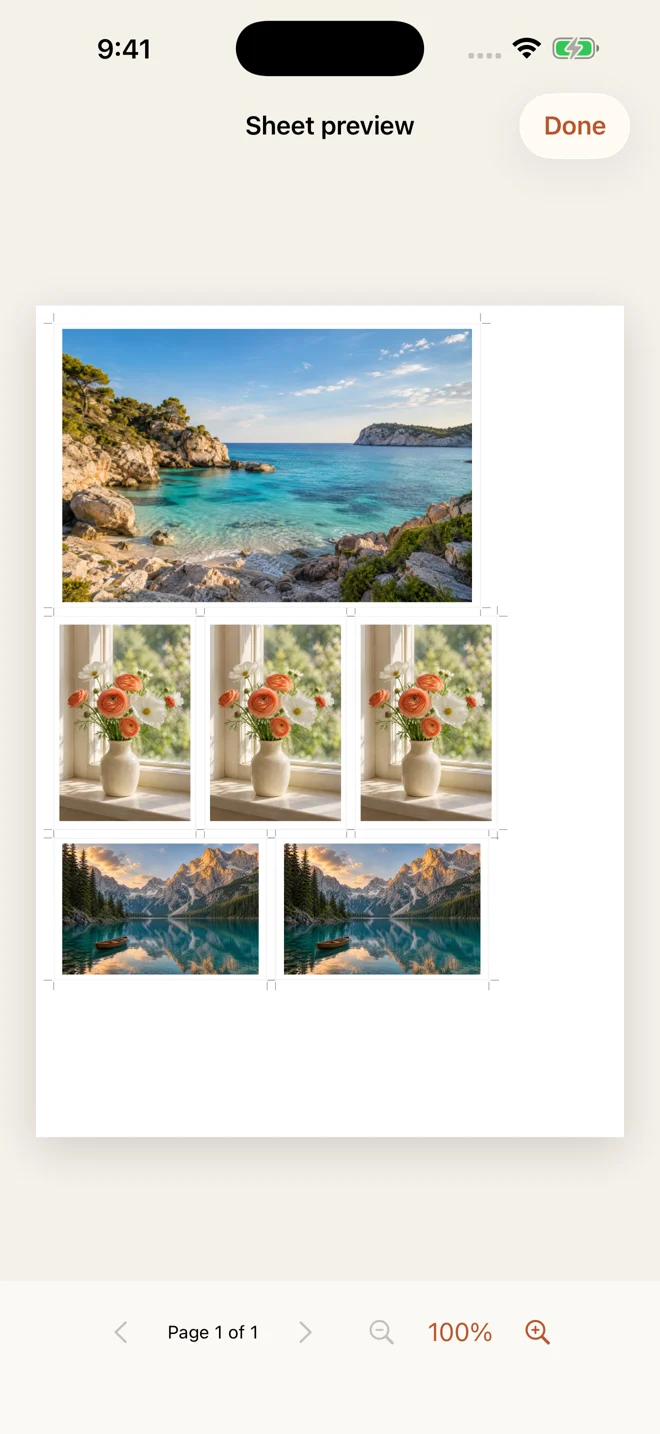
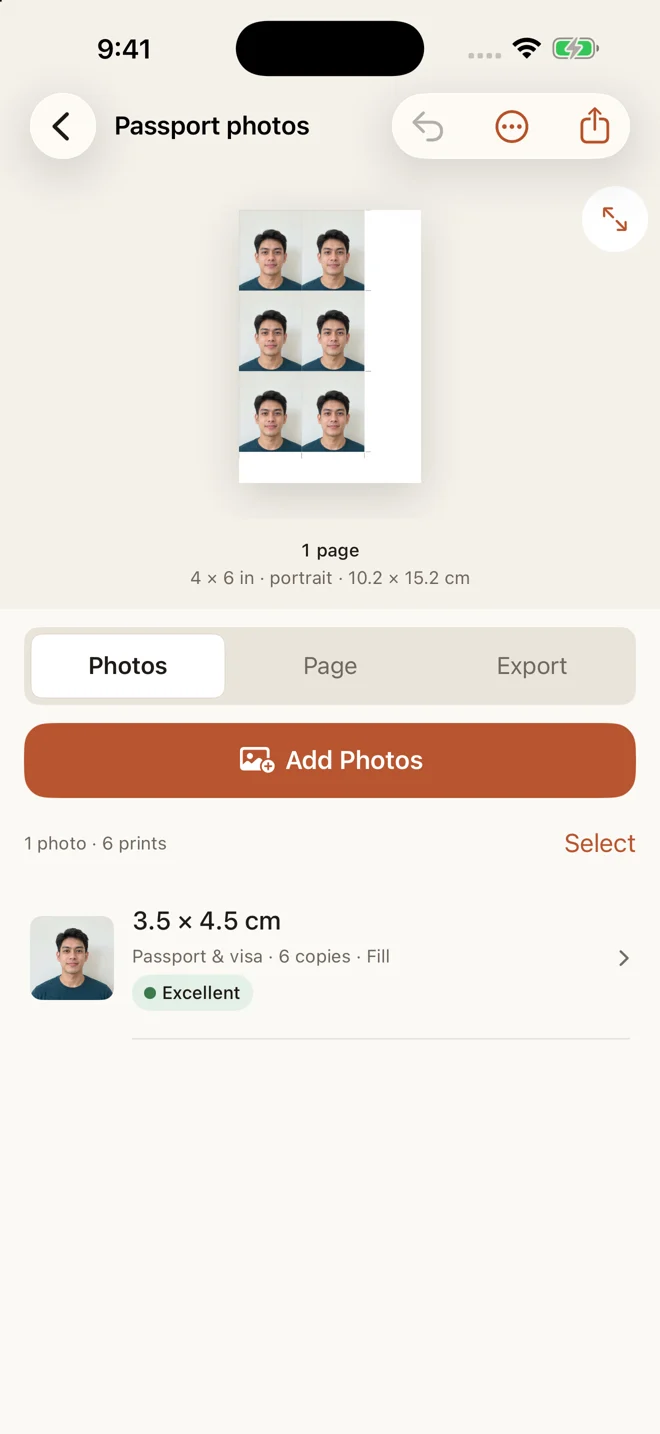
App icon · Photo sheet screen · ID sheet screen. Screens use demo photos; the portrait is fictional. For coverage or product questions, contact the support address below.
What the app does
Choose photo sizes in inches, centimetres or millimetres. Arrange photos on A4, US Letter or 4 × 6 paper. Adjust crops, borders, spacing and cut guides, then print with AirPrint or save a PDF. Photos that cannot fit are reported instead of being shrunk.
How it is paid for
The first completed output and three saved layouts are included. A one-time Pro purchase unlocks unlimited output, unlimited layouts and saved page setups. There is no subscription or advertising.
Privacy and support
Your photos are processed on your device. Read the privacy policy for purchase and other-app lookup details. For questions, contact atabany.apps@gmail.com or visit support.
About the guides
These guides describe Photo Print’s sizing and printing workflow. They distinguish print dimensions from official ID requirements, which you should always check with the relevant authority. Printer settings can alter output: measure a test print before printing a full batch.